What it is
Date Ideas helps the two of you decide what to do together. You pick a day and a setting, and Phorb prepares a list of ideas: real places and events in your city, easy plans that work anywhere, or online activities for when you live apart. Both of you see every list, so the question "what do you want to do?" can finally get an answer.
How it works in Phorb
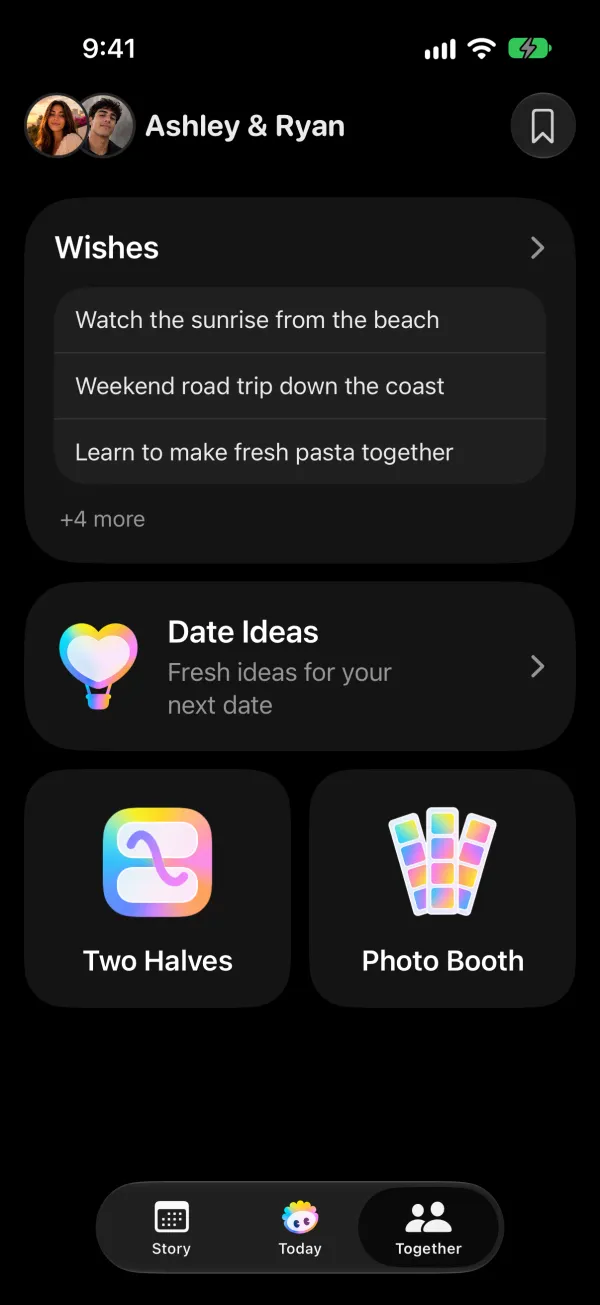
- Open the Together tab and tap Date Ideas.
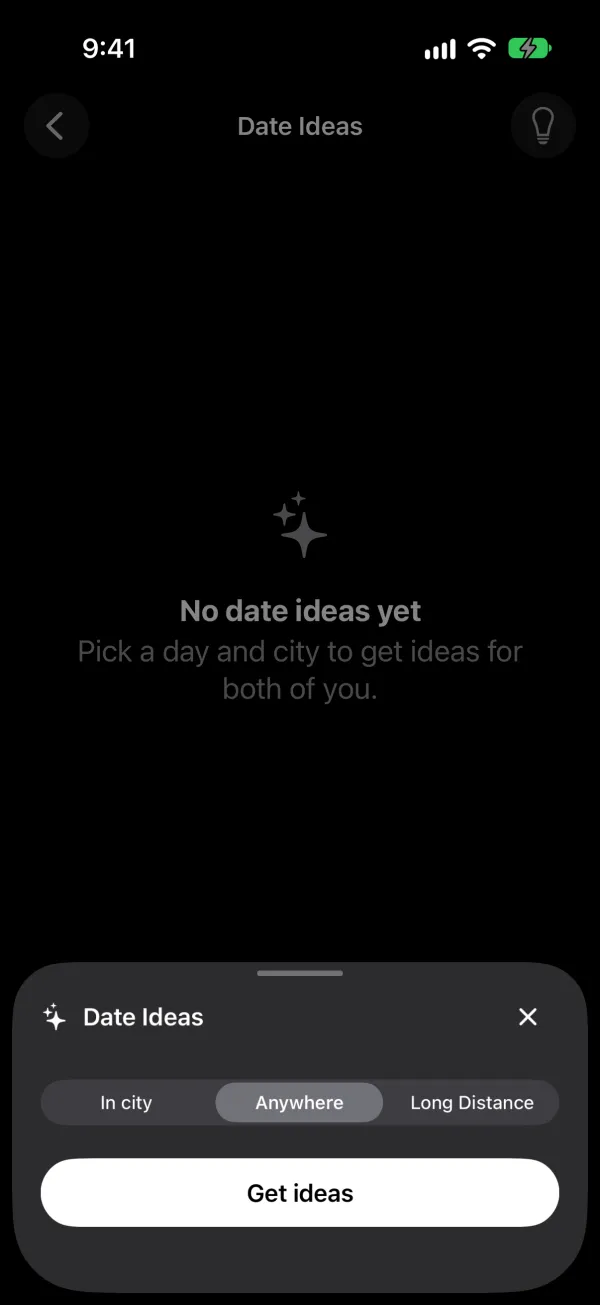
- Tap Get ideas.
- Under When, pick the day you have in mind.
- Choose a setting: - In city: places and events in a specific city. Type the city or tap Use current location. - Anywhere: ideas that don't depend on a place, like a cooking night, board games, an evening walk or a picnic. - Long Distance: online activities and virtual events you can do together from different places.
- Phorb shows Preparing a personalized list while it works. Your list appears in the Date Ideas library a moment later.
- Open an idea to see the details. In-city ideas include a street address and, when available, a website and a start time. Open the address in Apple Maps with one tap.
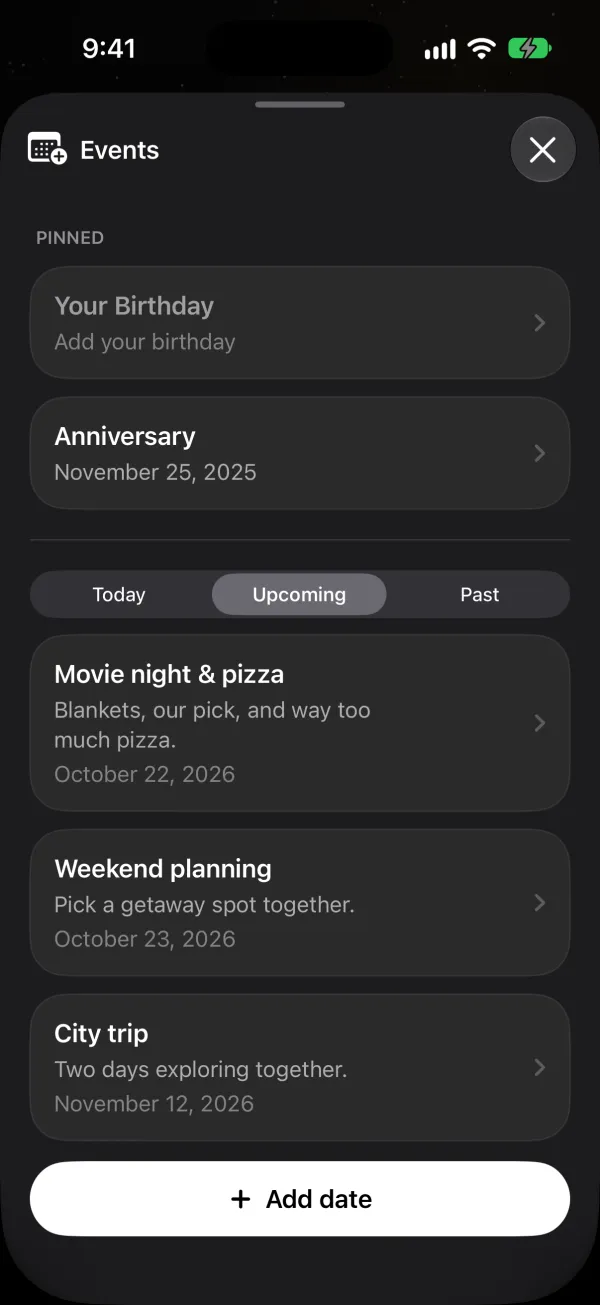
- Tap Add to put the idea on your shared calendar as an event.
For In city ideas, Phorb searches the web for current venues and events in that city and aims to include only places it can confirm. On a quiet day, that can mean a shorter list.
Why it helps
Trying something new together can lift how you feel about each other. Arthur Aron and Jennifer Tomlinson review decades of research on what they call self-expanding activities. In one experiment they describe, couples who did a new, challenging task together showed significantly greater relationship satisfaction afterward than couples who did a mundane task (Aron & Tomlinson, 2026).
Regular time matters too. The Gottman Institute's six-hours-a-week plan sets aside "2 hours once a week" for date night (6 Hours a Week to a Better Relationship). Coming up with a fresh plan every week is the hard part, and Date Ideas gives you a list to start from.
Ideas to try
- Long distance. Choose Long Distance for Friday and pick one online activity to do on a video call. Add it to your calendar so you both get a reminder.
- Busy weeknights. Choose Anywhere for tonight. You'll get ideas that need no booking and no driving.
- A new city. Visiting somewhere for a weekend? Choose In city, type the city and pick the Saturday. You'll see what's on that day.
- After a disagreement. Pick a low-key idea, like a walk, for the next day. A plan on the calendar tells your partner you want time together.
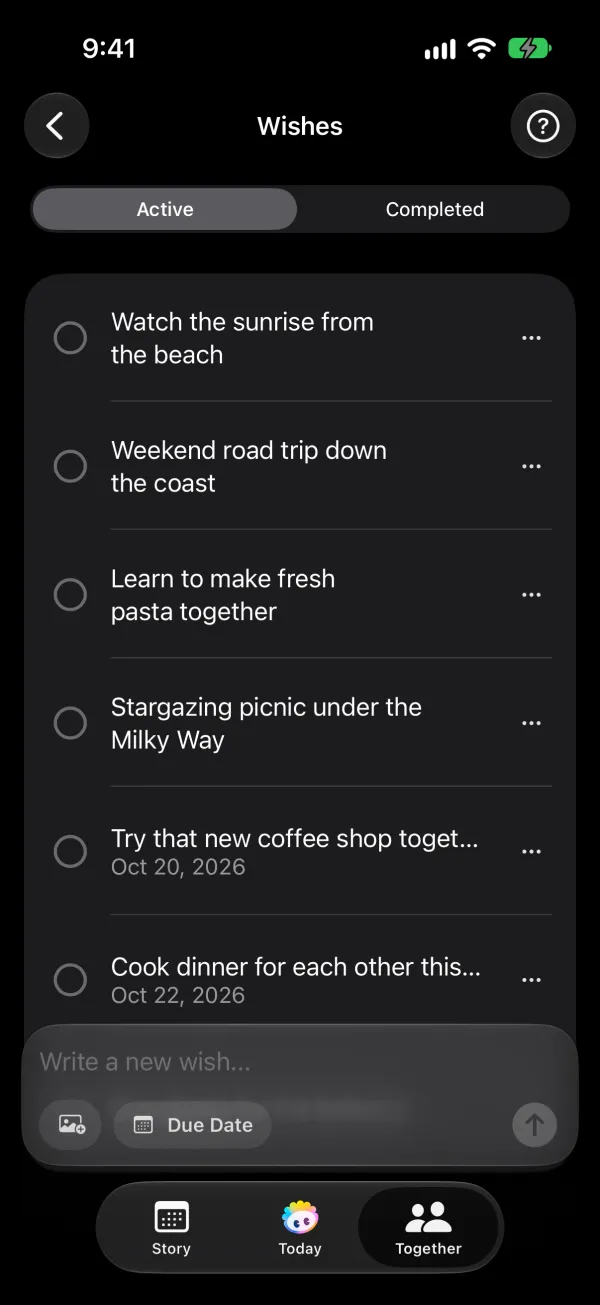
- Turn your bucket list into plans. If "try a pottery class" has sat on your bucket list for months, look for one in your city and add it to the calendar.