What it is
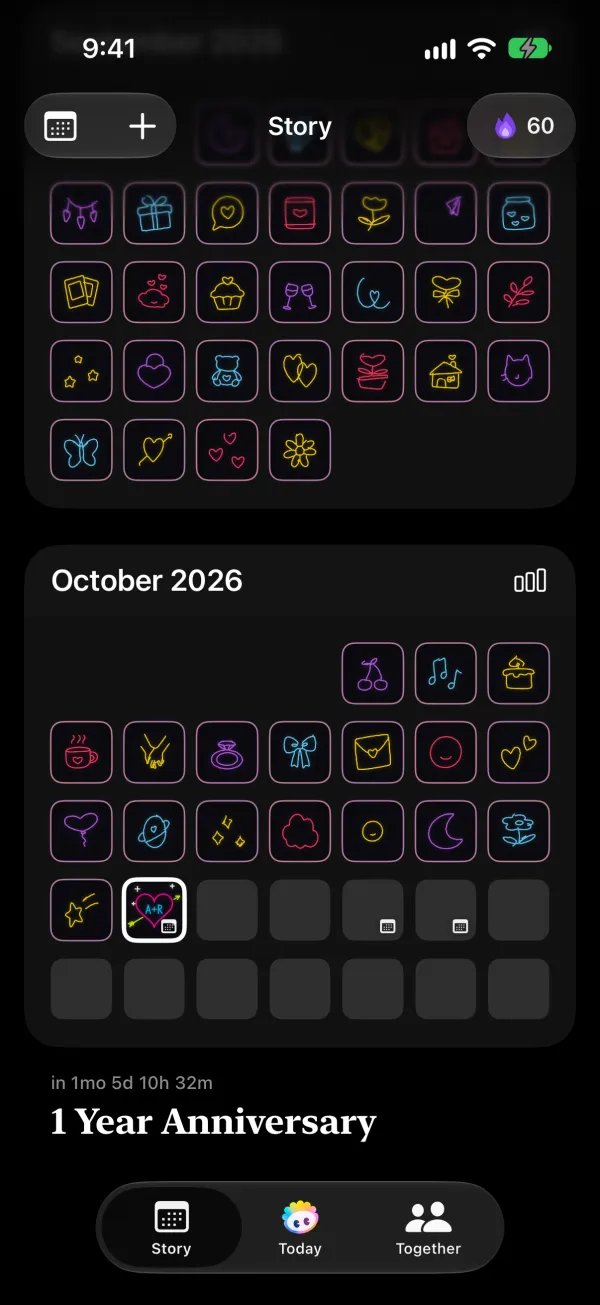
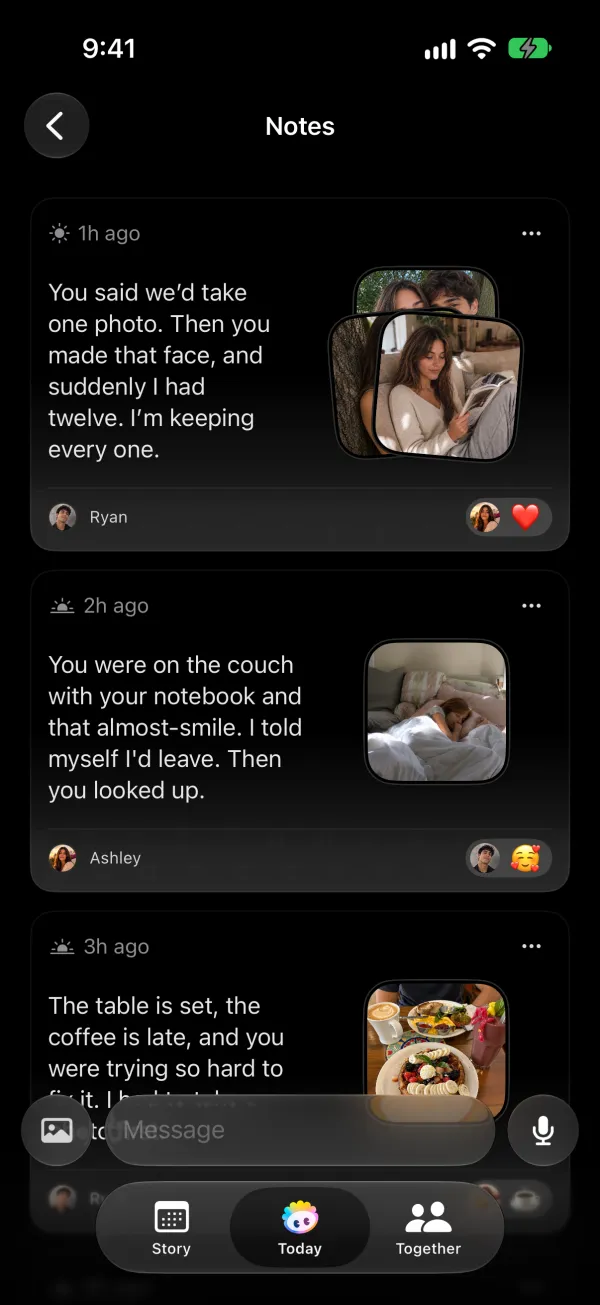
Notes are short messages you leave for your partner inside Phorb. A note can hold text, a photo, a recording of your voice or a song. Each note stays on the day you wrote it, so your notes also become part of your shared timeline in Story.
How it works in Phorb
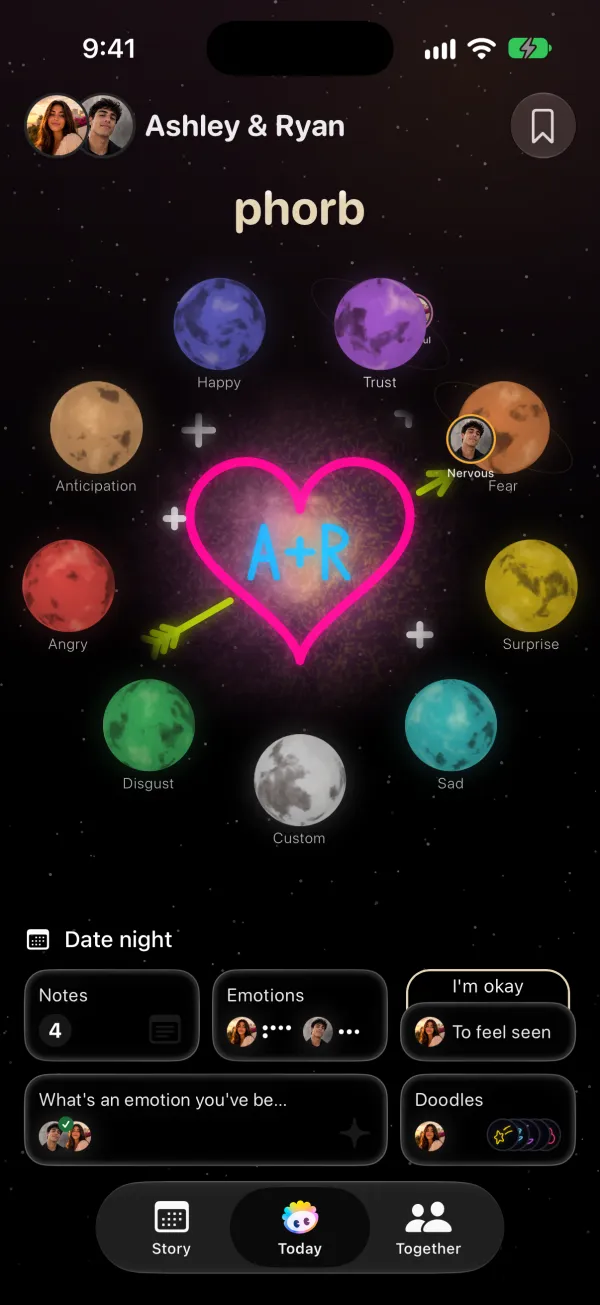
- On the Today tab, open the Notes card. It shows how many notes you have today, with a dot when your partner left a new one.
- Type in the Message field.
- Tap the attach button and choose Photo or Music. Photo lets you take a picture or pick one from your library. Music lets you search songs, browse Top Songs and play a preview before you attach one.
- To send your voice instead, tap the microphone and record.
- Send the note. Your partner gets a notification with your text, or one such as "Sam sent a song" or "Sam sent an audio note".
- Your partner taps to react with any emoji, and you get a notification when they do.
You can edit or delete your own notes later. Voice notes can be deleted but not edited.
When your partner opens a song, they choose where to listen: Apple Music, Spotify, YouTube Music or Amazon Music. Phorb asks for Apple Music access once so you can search songs.
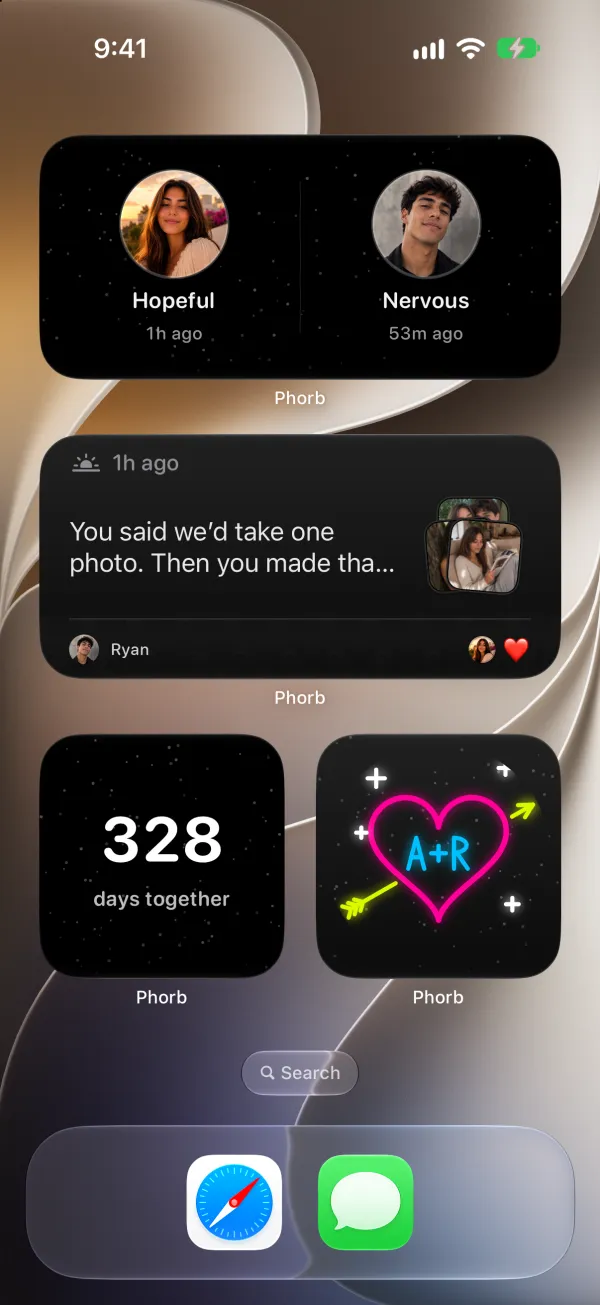
You can also start a note from outside the app. Say "Add a note in Phorb" to Siri, or share a photo from Photos or any other app through the iOS share sheet and pick Add note. The Latest Note widget puts your newest note, with its photo, on your Home Screen.
To keep a note, mark it as a Favorite. It goes to Saved, the book icon at the top of the Today and Together tabs. Saved also holds personal notes that only you can see, like your partner's ring size or the flowers they love.
Why it helps
Long relationships run on small moments more than on big gestures. The Gottman Institute puts it this way: "it's the little things that keep love strong", meaning the small, repeated moments of connection (The Little Things That Keep Love Strong). A two-line note on a Tuesday afternoon is one of those moments.
Appreciation is part of the same habit. In its plan for spending six hours a week on your relationship, the Gottman Institute sets aside 35 minutes a week for expressing appreciation and admiration (6 Hours a Week to a Better Relationship). A few notes a week can cover part of that time without a sit-down conversation.
Ideas to try
- Long distance. Record a short voice note before you go to sleep. Your partner wakes up to your voice in their time zone.
- Busy weeknights. Send a photo of the dinner you're cooking or the sky on your walk home. It says "I'm thinking of you" in one tap.
- After a disagreement. Write one specific thing you appreciate about them, like "Thanks for picking up my prescription even though we were arguing." You may still need to talk it through later. The note reminds you both that you're on the same side.
- A song for the moment. Attach the track that was playing on your first date, or the one stuck in your head today.
- A private reminder. Add a personal note in Saved when your partner mentions a book they want. You'll have it ready for their birthday.