What it is
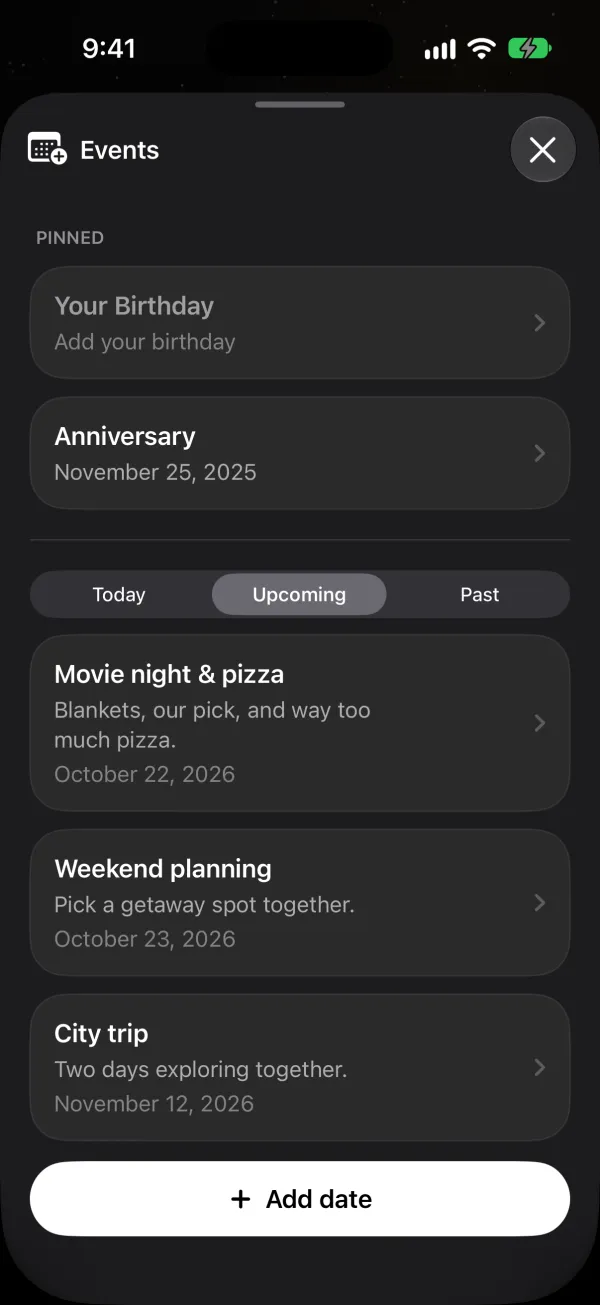
Events is the shared calendar for the two of you in Phorb. You add date nights, trips, visits and anything else you want to remember, and your partner sees each one on their phone. Your birthdays and your anniversary appear on their own, so nobody has to remember to add them.
How it works in Phorb
- Open the Story tab and tap Add date.
- Give the event a name, and add a Description if you like.
- Pick the Date. Under Repeat, choose Never, Weekly, Monthly or Yearly. A weekly event repeats on the same weekday, and a monthly one on the same day of the month.
- Turn on Reminder and choose a Time if you want both phones to remind you on the day.
- Tap Add. Your partner gets a notification that you added it, with the event's name.
- Tap Events to see everything in one list, filtered by Upcoming, Today and Past. Birthdays and your anniversary sit in a Pinned section at the top.
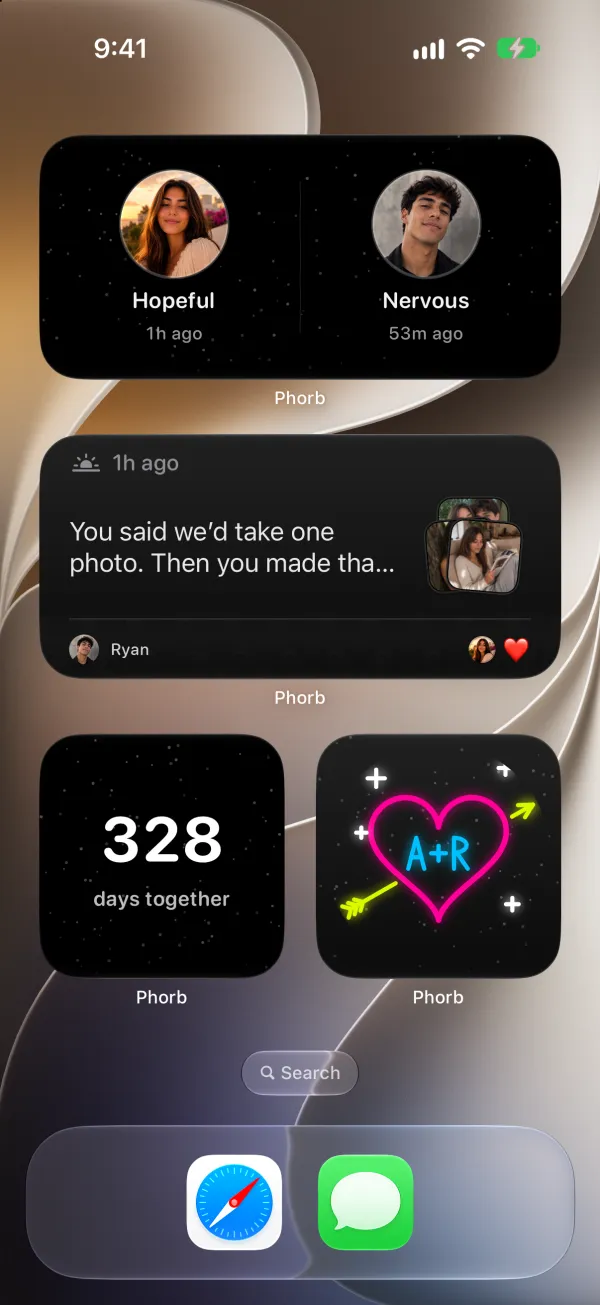
If you turned on Reminder, both of your phones show an "Event today" notification at the time you picked. On the day itself, a banner on the Today tab shows what's happening. To keep plans on your phone's screens, add the Upcoming Events widget to your Home Screen or the Countdown widget to your Lock Screen. Countdown can track a specific event or your next milestone.
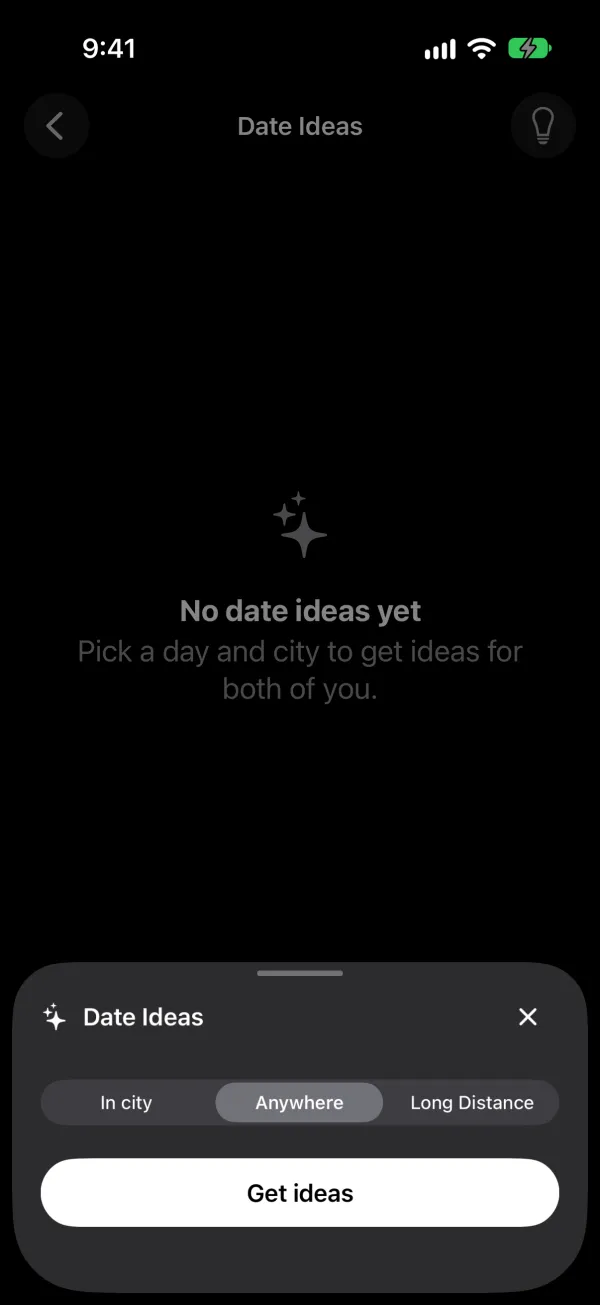
Found something in Date Ideas? Tap Add on an idea to put it straight onto your calendar.
Why it helps
Plans fall apart in the gap between "we should" and a date on the calendar. Writing the plan down where both of you can see it closes that gap, and it stops one partner from carrying the whole schedule in their head.
Regular time together also has research behind it. In its plan for spending six hours a week on your relationship, the Gottman Institute sets aside "2 hours once a week" for date night, which it calls "a relaxing and romantic way to stay connected to each other" (6 Hours a Week to a Better Relationship). A weekly repeating event in Phorb is an easy way to protect that time.
Small rituals add up too. The Gottman Institute lists weekly date nights among the rituals of connection that help partners feel seen and valued, and it says a ritual works best when it's consistent and means something to both of you (The Little Things That Keep Love Strong).
Ideas to try
- A standing date night. Add "Date night" every Friday with a reminder at 5 pm. Neither of you has to remember to ask.
- Long distance. Add your next visit and put it on the Countdown widget. You'll see the days drop every time you check your phone.
- Busy weeknights. Add a monthly "plan next month" event and spend ten minutes on it together.
- After a disagreement. Put a walk or a coffee on the calendar for the weekend. It gives you both a calm time to talk.
- The small anniversaries. Add the day you met, your first trip or the day you moved in, with Repeat set to Yearly.