



The 17 widgets
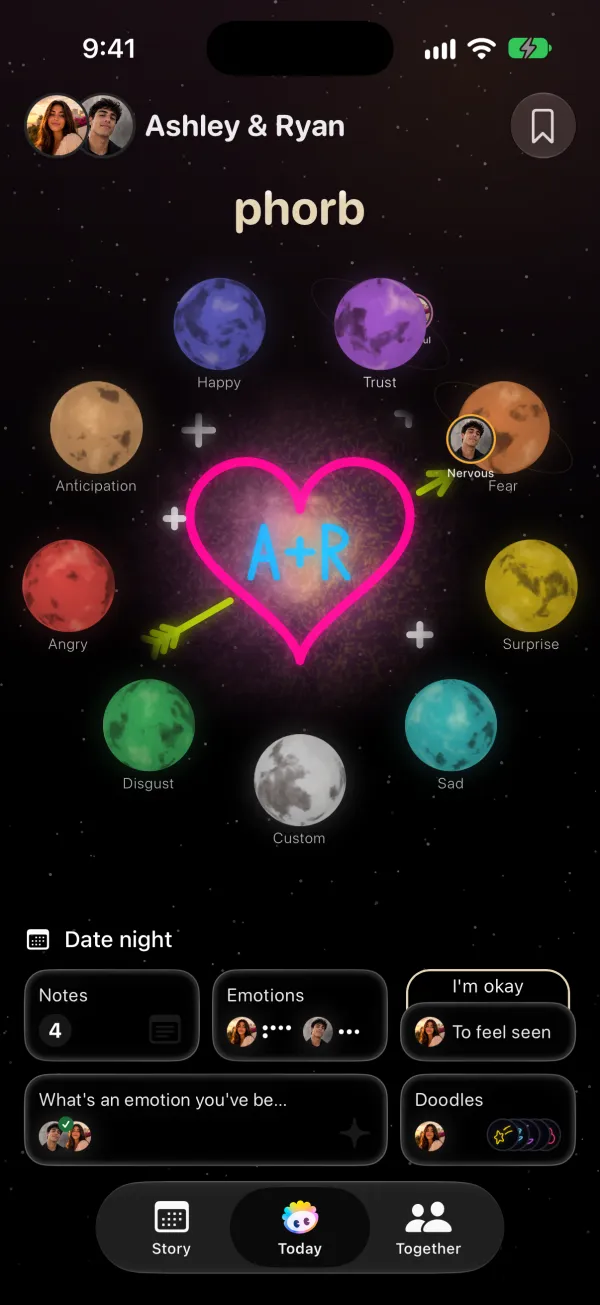
- Emotions: your latest emotion and your partner's, side by side.
- Days Together: a counter of how many days you've been together.
- Latest Note: the newest note with its photo. Voice notes play right from the widget.
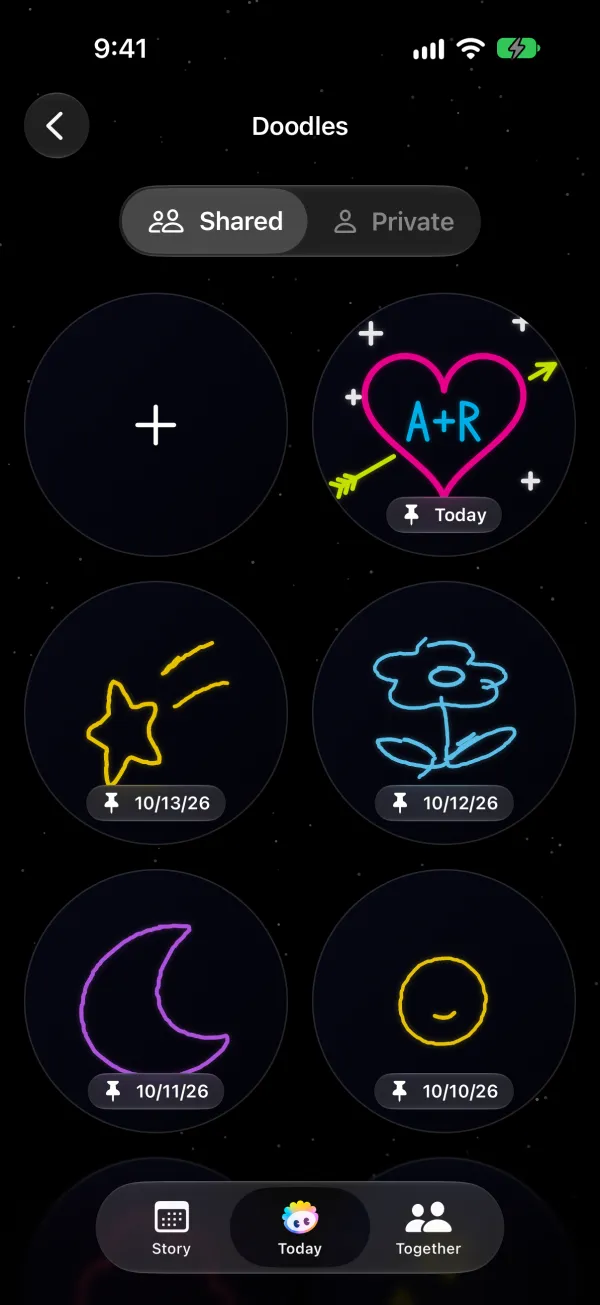
- Pinned Doodle: today's pinned doodle on a starry background.
- Monthly Mood Grid: your month of emotions as a small color grid.
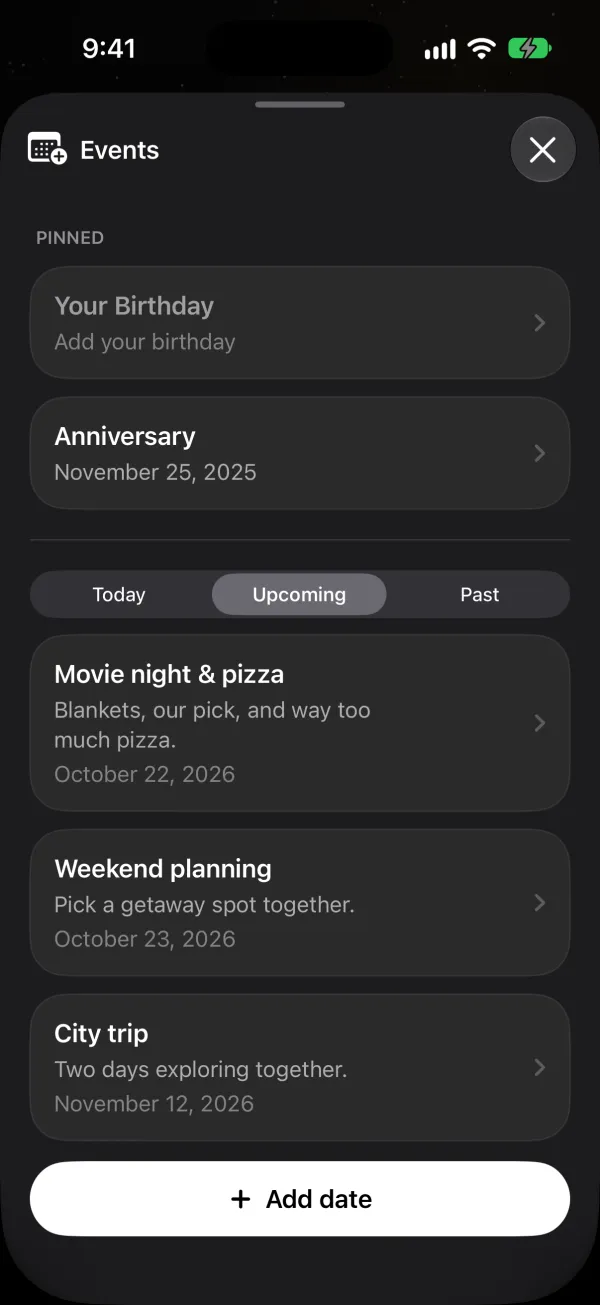
- Upcoming Events: the next dates on your shared calendar.
- Wishes: up to three items from your shared bucket list.
- Quick Actions: shortcuts to write a note, share a need or log an emotion.
How to add a widget
- Pair with your partner in Phorb. Widgets stay empty until you're paired.
- Touch and hold an empty spot on your Home Screen or Lock Screen, tap Edit or Customize, then add a widget.
- Search for Phorb and pick a widget and its size. Touch and hold a widget and tap Edit Widget to choose what it shows.
Phorb also has a step-by-step guide inside the app under Settings, How to add widgets.
Why it helps
Small, repeated moments of connection keep love strong, and a glance at your partner's day between calls helps most when you're apart.
Ideas to try
- Long distance. Put Partner Status and the Countdown to your next visit on your Lock Screen. You'll know how they feel and how many days are left before you unlock the phone.
- Busy weeknights. Add Quick Actions to your Home Screen. Logging an emotion or sharing a need takes one tap from there.
- After a disagreement. Glance at Partner Emotion before you text. If it says Hurt, start with that.