What it is
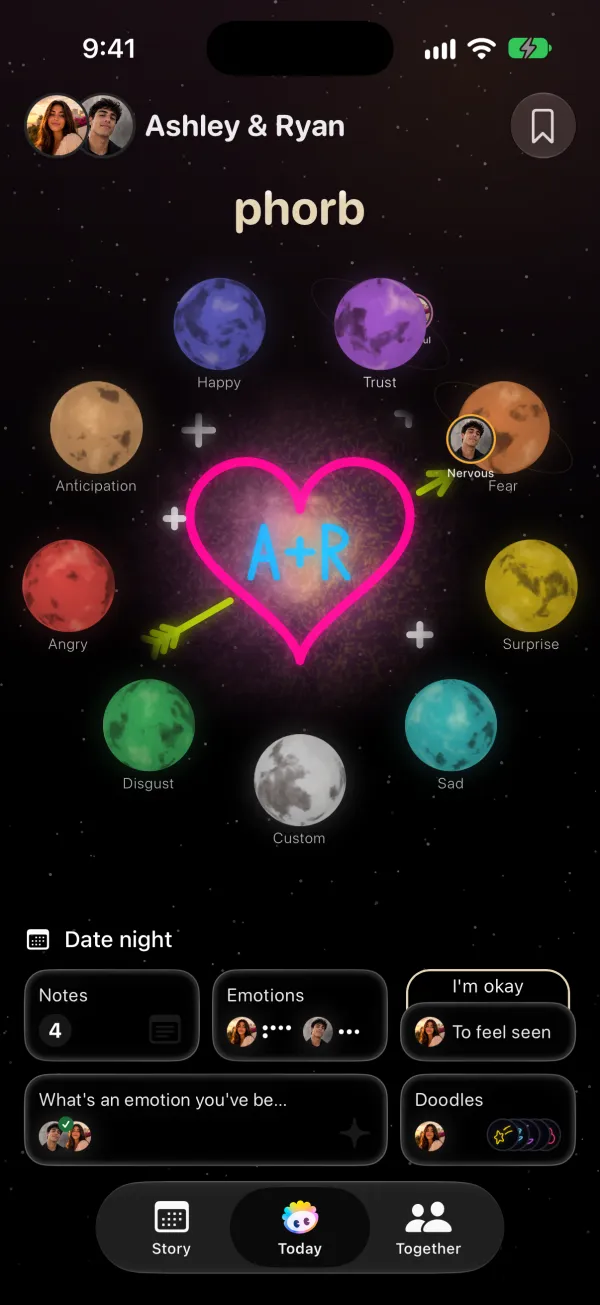
Needs is Phorb's emotional needs tracker for couples. You pick what you need to feel from a short list, such as Reassurance, Calm and quiet or Physical affection, and your partner gets a notification. It isn't a chore list or a to-do app: it tracks what you need from each other emotionally, not what needs doing around the house. A need tells your partner whether you want a hug or an hour alone.
How it works in Phorb
- Share an emotion on the Today tab. For a few seconds, the Needs card turns into a Share a need button. At any other time, tap the Needs card, then tap +.
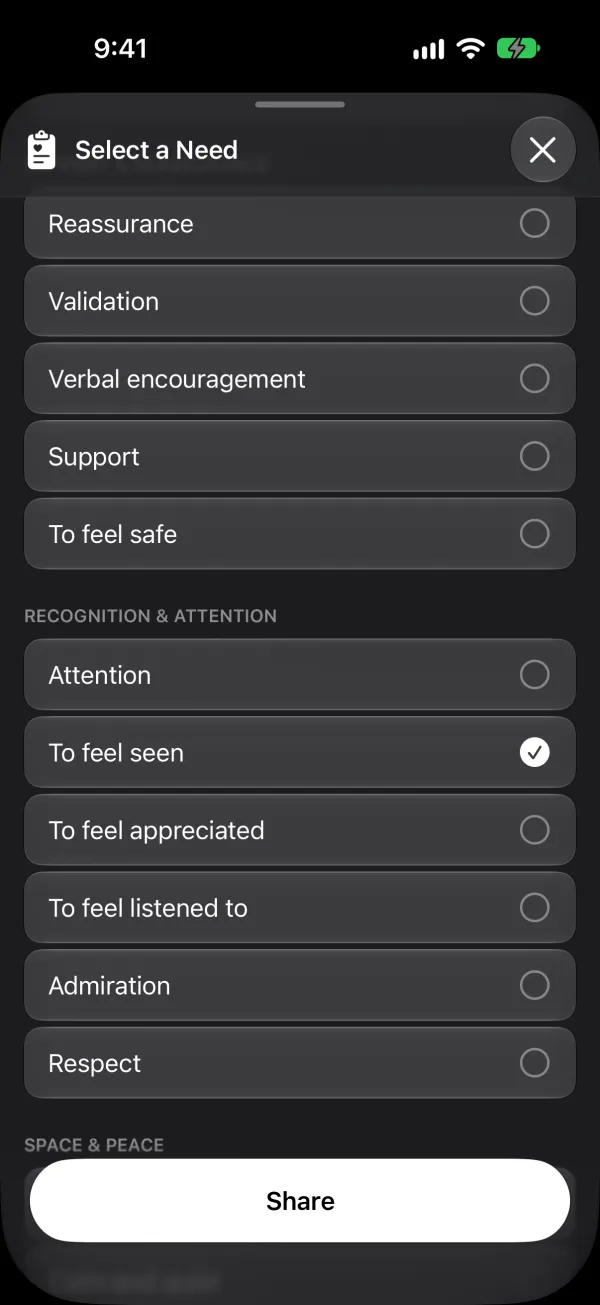
- The Select a Need sheet opens. If you came from an emotion, Suggested for this feeling at the top lists needs that often fit it. After Fear, for example, you'll see Reassurance, To feel safe, Validation and Support.
- Scroll for the full list of 17 needs in four groups: - Physical & Closeness: Physical affection, Physical intimacy, Emotional intimacy, Connection - Support & Reassurance: Reassurance, Validation, Verbal encouragement, Support, To feel safe - Recognition & Attention: Attention, To feel seen, To feel appreciated, To feel listened to, Admiration, Respect - Space & Peace: A little space, Calm and quiet
- Pick one or two and tap Share. Your partner gets a notification such as "Sam shared a need: Reassurance".
- Your need shows on the Needs card on both of your Today screens until the end of the day, or until you share a new one. Your partner can open it and react with an emoji, so you know they saw it.
- When you feel better, tap I'm okay in the Needs list. An hour after you share a need, the button also appears on the Needs card. Your partner gets a notification that you don't need anything else right now.
Your needs over time
Every need you share lands on its day in Story, next to both partners' emotions. Open a date to see what each of you asked for, or scroll back through the weeks to spot a pattern, like needing Calm and quiet after long work days.
Why it helps
A vague request is hard to answer. "I need more support" can mean help with dinner, ten minutes of listening, or a quiet evening, and your partner has to guess. A named need gives them a clear first step, and it gives you a way to ask without starting a serious talk.
Research on couples points the same way. In a two-week diary study of 55 couples, people who described their stress explicitly saw their partner as more responsive in how the two of them coped together, and that responsiveness went with higher relationship satisfaction (Pagani et al., 2019). The benefit ran through the partner's response, which suggests a clear message makes a caring reaction easier to give.
Ideas to try
- After a draining day. Share Stressed, then pick Calm and quiet. Your partner knows to save the questions for later.
- Before a long-distance call. Pick To feel listened to. Your partner can start the call by asking about your day instead of telling you about theirs.
- After a disagreement. Pick A little space. When you're ready to talk again, tap I'm okay, and your partner sees that the door is open.
- On a slow Sunday. Pick Connection or Physical affection. It works as a clear, low-pressure invitation.
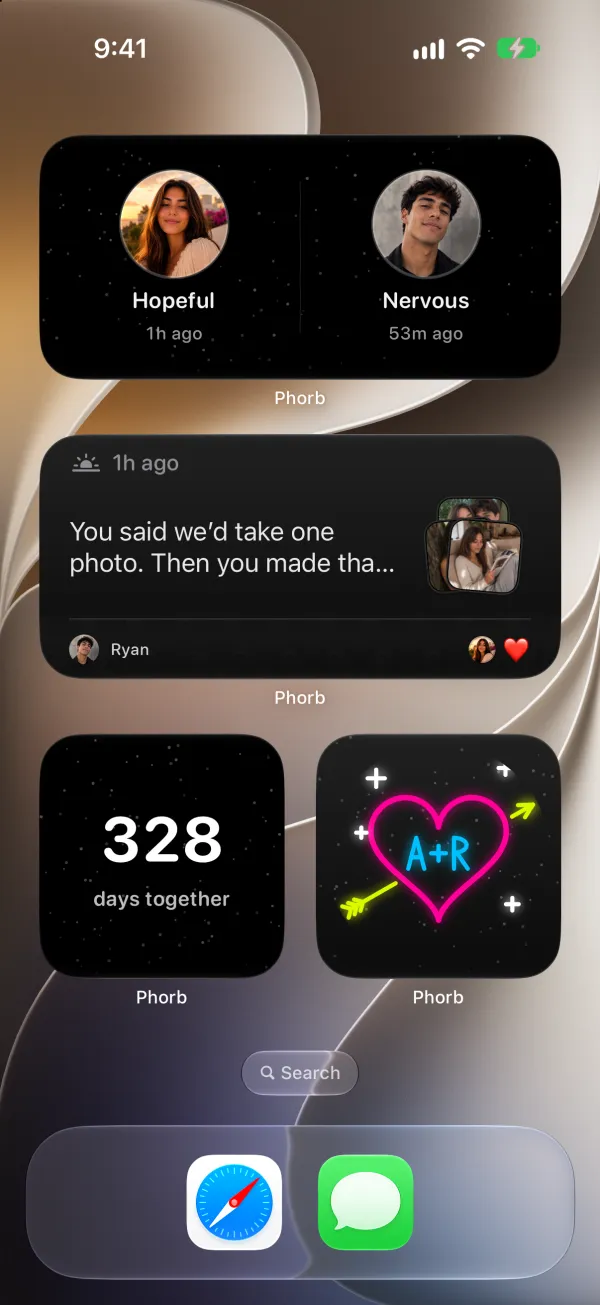
- From the Lock Screen. Add the My Need widget to pick today's need without opening the app, and the Partner Status widget to see your partner's emotion and need at a glance.